Post by : Anis
Al-Rashid
Cloud storage has evolved from a simple convenience to a vital part of daily life. From professional documents and cherished family photos to college notes and financial records, our digital assets are now stored on mobile devices and computers. With increasing file sizes, the need for cloud storage mirrors that of a physical cabinet. While some users keep theirs orderly, others struggle with cluttered duplicates, disorganized downloads, and years' worth of ignored screenshots.
Grasping the nuances of cloud storage—what services to choose, whether to pay, how much space you'll really need, and ways to keep everything orderly—enhances your digital experience. Successfully managing this enables you to preserve important files, ease device strain, and develop a neat, efficient storage framework applicable across all platforms.
This comprehensive guide delves into the functionalities of cloud storage, contrasts free with paid plans, covers safety considerations, provides practical examples, and offers a methodical approach to establish an organized digital setup.
The Essentials of Cloud Storage
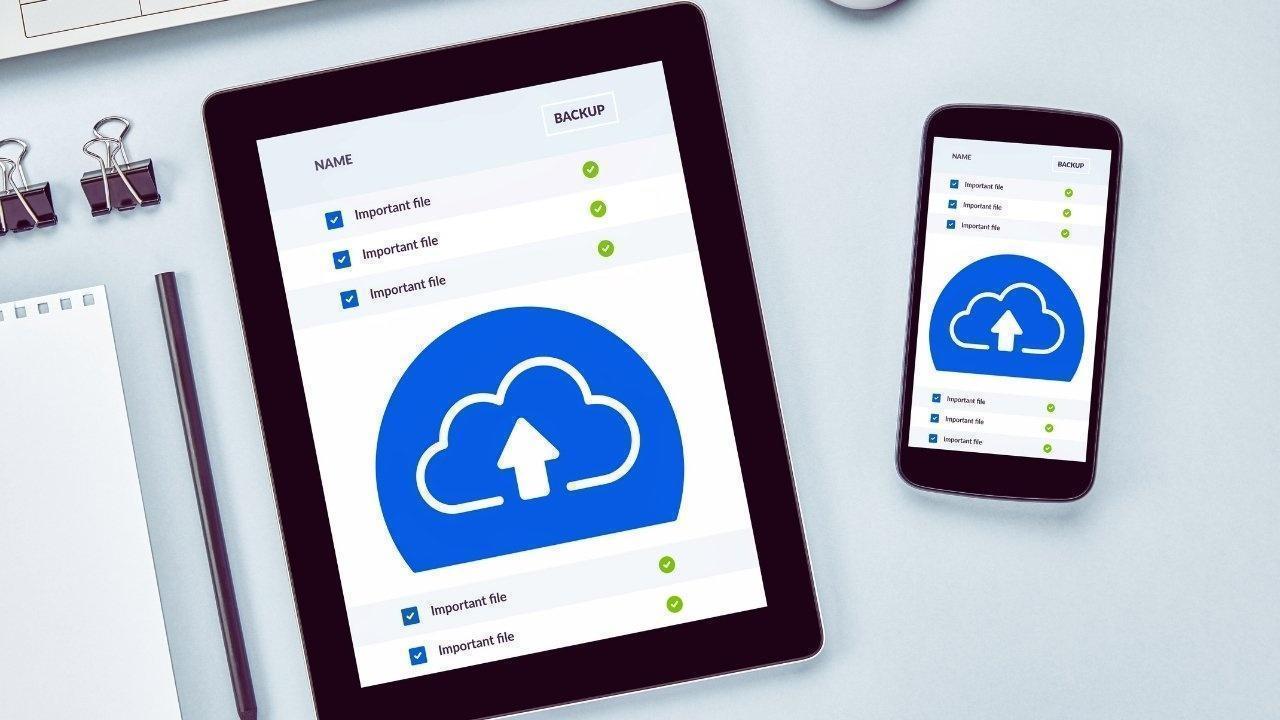
Cloud storage allows users to save files on remote servers, freeing up local device memory.
Key benefits include:
-
Access your files seamlessly across various devices
-
Automatic backups safeguard your valuable data
-
Free up valuable space on phones and laptops
-
Simple sharing capabilities with others
-
Automatic syncing without manual transfers
-
Lower chances of data loss from device malfunctions
Picture it as a portable, ever-expanding digital locker.
The Increasing Importance of Cloud Storage
Rapid Device Storage Consumption
Modern smartphones capture large images and videos, and apps occupy significant memory. Storage often feels inadequate.
The Shift to Online Work
With documents primarily existing online, adequate cloud storage is essential for managing this increasing demand.
Using Multiple Devices
Many users own a smartphone, laptop, and occasionally a tablet. Cloud syncing keeps everything interconnected.
Protection Against Loss or Damage
A single misstep can erase years of photos and important data if not securely backed up.
A More Streamlined Digital Workflow
Cloud storage alleviates the burden of constantly moving files manually.
It's not just a storage solution; it's a means to attain digital tranquility.
Free Cloud Storage: Key Features
Numerous platforms offer foundational free tiers.
Typical free allocations include:
These free tiers serve various needs:
-
Students looking to save notes and PDFs
-
Individuals with minimal work files
-
Users who keep the majority of their files offline
-
Occasional users who maintain organization consistently
Benefits of Free Plans
-
No cost involved
-
Quick and straightforward setup
-
Capacity fits basic document storage
-
Ideal for those disciplined enough to keep clean
Drawbacks
-
Insufficient for extensive media collections
-
Might get cluttered with email attachments (e.g. Google Drive)
-
Limited sharing capabilities and fewer advanced features
-
Often leads to filing chaos across various apps
-
Weak options for shared family storage
These free offerings suffice until your needs escalate.
Paid Cloud Storage: When It’s Essential
As data grows heavier, opting for paid storage becomes usual.
Common paid plans include:
-
Google One (from 100 GB to several TB)
-
Apple iCloud+ (ranging from 50 GB to 2 TB)
-
Microsoft OneDrive (bundled with Office 365)
-
Various Dropbox paid tiers
-
Mega’s storage enhancements
Reasons for Upgrading
-
Extensive photo libraries
-
Backups for numerous devices
-
Significant work files
-
Professional requirements (design, film, writing, editing)
-
Organized folder needs
-
Faster retrieval and sharing
-
Options for family storage
Advantages of Paid Plans
-
Ample storage capacity
-
No ongoing cleaning stress
-
Automatic backup for multimedia files
-
Enhanced organization
-
Family sharing functions
-
Improved security features
-
Ability for larger uploads
-
Seamless syncing
Indicators for Worthwhile Upgrades
-
Your mobile storage is perpetually maxed out
-
Frequent deletion of pictures to liberate space
-
Your laptop is showing storage alerts
-
Struggles to find crucial documents
-
You operate remotely or are self-employed
-
You require backups for client assignments
-
Regularly traveling with essential data
Investing in paid plans simplifies your digital life and reduces clutter.
Selecting the Right Cloud Service
Each platform presents its own advantages.
Google Drive
Ideal for those who use Android and rely on Gmail, Google Docs, or Photos.
Strength: Effortless integration and sharing.
iCloud
Best suited for Apple devices.
Strength: Harmonized device syncing and intuitive interface.
OneDrive
Excellent for Microsoft users with professional needs.
Strength: Integration with Office 365.
Dropbox
Preferable for collaborative projects and sizable file management.
Strength: Dependable syncing.
Mega
Great for individuals seeking generous free storage.
Strength: Larger free tier compared to competitors.
Your selection should correspond to your device ecosystem. Fewer platforms lead to greater simplicity in managing your digital organization.
Estimating Your Cloud Storage Needs
Light Users
Basic documents, screenshots, notes
Requirement: 5–15 GB
Moderate Users
Images, videos, PDFs, occasional work files
Requirement: 50–100 GB
Heavy Users
Substantial photo libraries, long videos, or extensive work files
Requirement: 200 GB–1 TB
Families
Sharing across devices, children's memories, and school materials
Requirement: 200 GB–2 TB
When uncertain, start small and scale up as needed, since upgrades are readily available.
Cloud Storage Security: Assessing Risk
Cloud service providers utilize:
User behavior also plays a crucial role in overall safety.
Digital Safety Best Practices
-
Employ strong passwords
-
Use two-factor authentication
-
Avoid public links for sharing
-
Secure your device
-
Regularly audit shared files
-
Avoid uploading sensitive ID files without encryption
Cloud storage remains safe when handled wisely.
The Reality of Digital Chaos
Even with cloud solutions, many find themselves inundated by disorganization due to lack of a systematic approach.
Common pitfalls include:
-
Duplicate images
-
Random screenshots
-
Files spread over multiple apps
-
No coherent folder framework
-
All files lumped together in one drive
-
Download folders teeming with items
-
Personal documents combined with work files
-
No backups for essential files
Cloud storage can only streamline your data when paired with a proper organization method.
Tips for Establishing an Organized Cloud System
This straightforward method suits nearly everyone.
Step 1: Develop Main Folders
Keep it to five to seven primary folders.
Examples include:
-
Photos
-
Work
-
Personal Documents
-
Bills and Receipts
-
Media
-
Projects
-
Misc
Aim for simplicity by avoiding excessive parent folders.
Step 2: Add Detailed Subfolders
Within each main folder, create specific subcategories.
For instance, within Photos:
-
2022
-
2023
-
2024
-
Events
-
Travel
-
Family
-
Screenshots
In Personal Documents, you might have:
-
Banking
-
Health Records
-
Education
-
Certificates
-
Insurance
-
ID Files
The goal is immediate understanding of file placement.
Step 3: Schedule Monthly Clean-Ups
Designate a monthly tidying session:
-
Eliminate duplicates
-
Remove unclear photographs
-
Organize screenshots into their folders
-
Archive outdated documents
-
Discard unnecessary exports
-
Clear the downloads section
This proactive approach prevents future disarray.
Step 4: Activate Backups Automatically
Set up automatic backups for:
Automation enhances security and alleviates manual tasks.
Step 5: Limit to One Cloud Provider
This simplifies your system.
Select either Google, iCloud, OneDrive, or Dropbox.
Stick with one for clarity and efficiency.
Step 6: Employ Clear Naming Strategies
Use straightforward file names:
-
Receipt_Jan2024
-
PassportCopy
-
ProjectDraft2
-
Invoice_345
-
PhotoShoot_Day01
Effective naming can save time during searches.
Step 7: Archive Infrequently Used Files
Create a folder labeled Archive.
In it, organize:
-
Past job files
-
Past bills
-
Obsolete documents
-
Rarely accessed media
This maintains tidiness in your primary storage.
Step 8: Manage Shared Files Wisely
Share with expiration dates to avoid clutter.
Periodically review shared documents and revoke access as necessary.
Managing Photos in the Cloud
Photos require substantial space.
Best Practices
-
Enable backups to the cloud
-
Delete duplicates
-
Arrange by year and event
-
Utilize selective syncing
-
Avoid backing up large, unwatchable videos
-
Daily clear temporary screenshots
While memories matter, indiscriminate storage doesn't.
Handling Work Files Effectively
Establish a Work folder containing:
-
Projects
-
Client info
-
Presentations
-
Archived documents
-
Shared files
Only include what is essential, removing unused drafts.
Storing Important Documents
Designate a specific folder for them.
Scan key documents using your smartphone:
-
PAN
-
Aadhaar
-
Passport
-
Driving License
-
Certificates
-
Insurance Files
-
Bills
-
Agreements
Store only securely scanned copies and implement access restrictions on sensitive files.
Whole Benefits of a Structured Cloud System
Your digital environment affects your overall mental space.
Final Reflections
Cloud storage serves as today's backbone. When utilized efficiently, it enhances time management, protects cherished memories, secures critical files, and fosters organization. A clean cloud system embraces modest habits leading to future order.
Select a service that matches your needs, upgrade when your requirements change, form a clear folder hierarchy, and routinely declutter. Over time, your cloud storage will evolve from a chaotic heap into a systematically organized archive.
Provide your digital presence with the same level of care as your tangible space. A well-structured cloud environment yields efficiency, tranquility, and lasting control over your data.


 English