Post by : Sami
Al-Rahmani
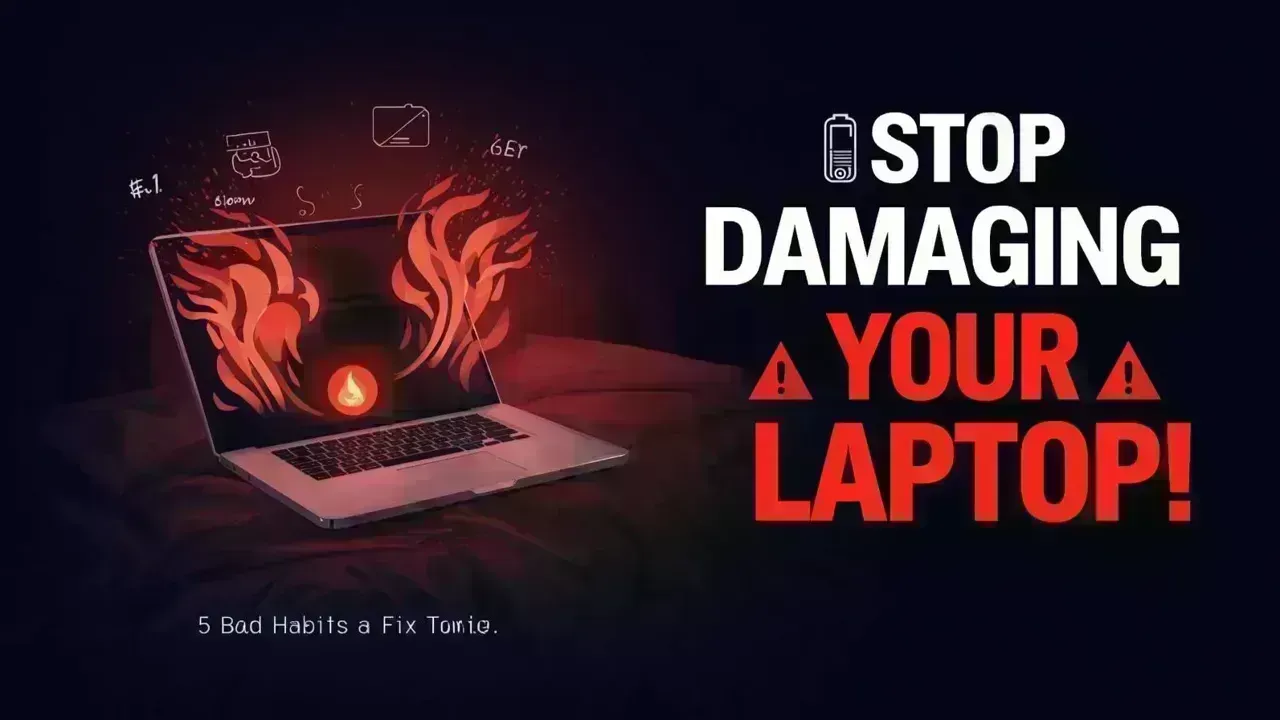
Essential Laptop Tips: Five Bad Practices That Can Harm Your Device — Take Action Today to Avoid Serious Damage
Your laptop serves as a crucial element in your everyday tasks, from work to leisure. However, many users may inadvertently adopt habits that compromise its performance, damage its internal parts, and decrease its lifespan.
Neglecting these seemingly minor mistakes can result in sluggish performance, overheating, battery failure, or irreversible hardware damage. Fortunately, most issues can be easily rectified once you know what to avoid.
Avoid Using Your Laptop on Soft Surfaces
Although it may feel cozy to use your laptop on a soft bed or sofa, doing so can severely damage it. Laptops contain cooling vents located on the underside or sides, which can be blocked by plush surfaces.
Blocked airflow can lead to heat buildup inside the device. Over time, this can result in overheating, which can harm critical components like the processor, motherboard, and battery.
To prevent this, always place your laptop on a hard, flat surface such as a desk or table. A cooling pad can also help facilitate better airflow when needed.
Paying No Attention to Overheating Issues
Heat represents one of the most significant threats to any electronic device. Many users overlook signs like excessive heat, unnaturally loud fan noises, or unexpected sluggishness, mistakenly thinking these are normal occurrences.
Consistent overheating can shorten the life of internal parts and may even result in system shutdowns. Often, dust accumulation inside the laptop is a major culprit.
Make it a point to clean your laptop vents regularly and ensure sufficient ventilation to maintain a stable temperature and optimal performance.
Leaving Your Laptop Plugged In Continuously
While it may seem convenient to keep your laptop plugged in constantly, it can damage the battery over time. Modern laptops typically use lithium-ion batteries, which operate best when they are partially charged and discharged regularly.
Keeping the battery at full charge for extended periods may diminish its overall capacity. Consequently, your battery may start depleting faster and could require replacement sooner.
A more effective strategy is to maintain the battery level within 20% to 80% whenever possible and unplug it after a full charge.
Neglecting Software and System Updates
Putting off system updates may save you time initially, but it can pose severe issues later. Updates frequently include security fixes, bug resolutions, and performance enhancements.
Operating outdated software can expose your laptop to malware, lead to decreased performance, and cause compatibility challenges with new applications.
Regardless of whether you are using Windows or macOS, regular system updates are essential for better security and enhanced efficiency.
Improper Handling and Neglecting Physical Care
Many users treat their laptops carelessly, unaware of the long-term repercussions. Common pitfalls include:
- Slamming the lid shut
- Transporting the laptop without adequate protection
- Eating or drinking near the device
- Neglecting to clean the keyboard and screen
Dust, spills, and physical damage can adversely affect sensitive components and lead to costly repairs. Employing a protective sleeve, cleaning regularly, and handling the device with care can significantly prolong its life.
The Consequences of Ignoring These Habits
While these bad practices may not lead to immediate problems, they can result in:
- Sluggish performance and lags
- Frequent overheating and shutdowns
- Batteries wearing out
- Hardware failures necessitating costly repairs
Taking proactive measures today can help you avoid significant issues down the road.
Quick Fixes That Yield Substantial Benefits
Enhancing your laptop habits doesn’t require in-depth technical knowledge. Simple adjustments like using a proper surface, responsibly managing battery life, updating software, and regularly cleaning the device can significantly boost performance and longevity.
Consistency is crucial. Regularly applying these practices will help maintain your laptop’s smooth operation for years to come.
Disclaimer
This article is for informative purposes only. The performance and lifespan of laptops can vary based on brand, usage, and environmental factors.


 English