Post by : Sami
Al-Rahmani
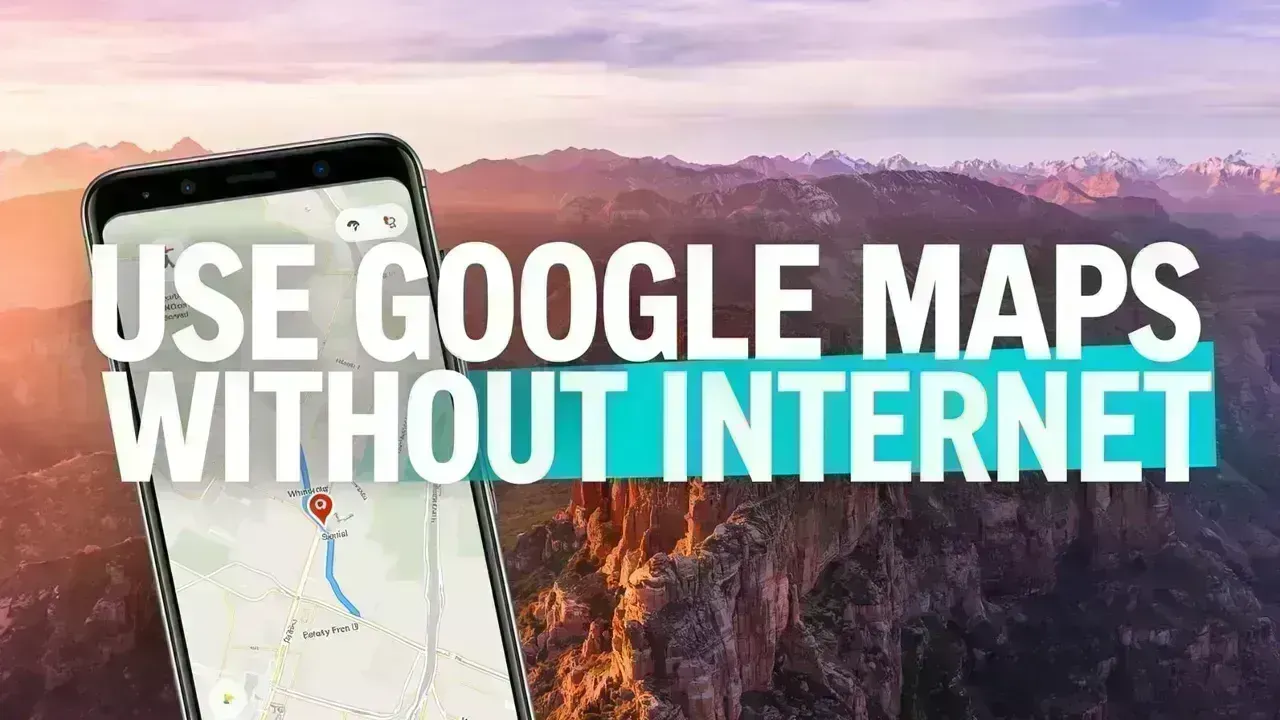
Mastering Google Maps Offline: A Traveler's Essential Guide
Venturing into unfamiliar territories can be thrilling, yet many travelers encounter the problem of lost internet connection at crucial moments. Whether you're exploring a new country, wandering through remote areas, or simply trying to save on mobile data, navigating can become challenging. Fortunately, Google Maps provides a handy feature that lets you access maps offline.
This clever trick can enhance your travel experience, making it smoother and more enjoyable.
The Value of Offline Maps
When you're on the road, relying solely on mobile data or Wi-Fi may not be practical. You might run into spotty network coverage, or the costs of roaming may be steep. Offline maps mitigate these issues by enabling you to download a desired area ahead of time, making it accessible later without an internet connection.
This functionality allows you to view streets, landmarks, and directions even when you're offline—especially beneficial for international travelers and those exploring regions with unreliable networks.
Steps to Download Maps Prior to Travel
Utilizing offline maps is a straightforward process that requires just a few steps. Begin by opening Google Maps while online. Search for the city or region you intend to visit. Once it appears, select the download option.
You can resize the area by zooming in or out, and after choosing the desired section, confirm the download. It's advisable to do this over Wi-Fi to conserve mobile data.
After downloading, the map will be saved onto your device for offline access.
Offline Features Available
Google Maps still offers a variety of useful tools even without an internet connection. You can view maps clearly, check your location, and receive driving directions. Your phone's GPS remains functional offline, allowing real-time tracking of your movements.
Additionally, you can access previously saved locations, like hotels or tourist attractions, making navigation easier and reducing the chances of getting lost.
Limitations of Offline Use
While offline maps are beneficial, not all features will operate without an internet connection. For instance, live traffic updates won't be available, leaving you unaware of congestion or road closures.
Public transport routes may also be limited, so it's wise to plan ahead for any essential trips.
Keeping Your Offline Maps Up to Date
As roads change and new paths emerge, it's crucial to maintain updated maps. Google Maps typically notifies you when your offline maps are nearing expiration.
Updating them is simple once you reconnect to Wi-Fi, ensuring your navigation remains precise and dependable.
Essential Tips for Enhanced Offline Navigation
For the best experience, download maps for all destinations you plan to visit—not just a single area. It’s also advisable to save key spots, such as your hotel or main attractions, before going offline.
Ensure that your phone is fully charged, as navigation may consume battery life. Keeping location services enabled allows GPS to work effectively.
The Importance of This Travel Trick for Everyone
Understanding how to use offline maps provides peace of mind. You won’t have to worry about losing your way when internet service is unavailable, allowing you to explore new destinations freely and confidently.
This simple tool can save you valuable time, money, and effort, elevating your overall travel experience.
Disclaimer
This article serves purely informational purposes. The features within apps may evolve over time based on updates and device compatibility.
FAQs
Can I use Google Maps offline for guidance while walking?
Yes, basic walking directions are available, although they might lack detail compared to online use.
Does GPS function without an internet connection?
Indeed, GPS works independently of internet; it relies on satellite signals to determine your location.
How long do offline maps persist on my device?
They usually remain accessible for a few weeks; after that, an update is necessary for accuracy.
Can I explore new sites offline?
You can only locate places that were saved in advance or are included in your downloaded maps.
Do offline maps occupy storage on my phone?
Yes, they do consume storage space. Larger areas will require more space, so manage your device’s storage wisely.
Is offline navigation entirely dependable?
It provides reliable basic navigation but does not include real-time updates about traffic issues or blockades.


 English