Post by : Sami
Al-Rahmani
Navigating Public WiFi: Understanding Risks and Safety Measures
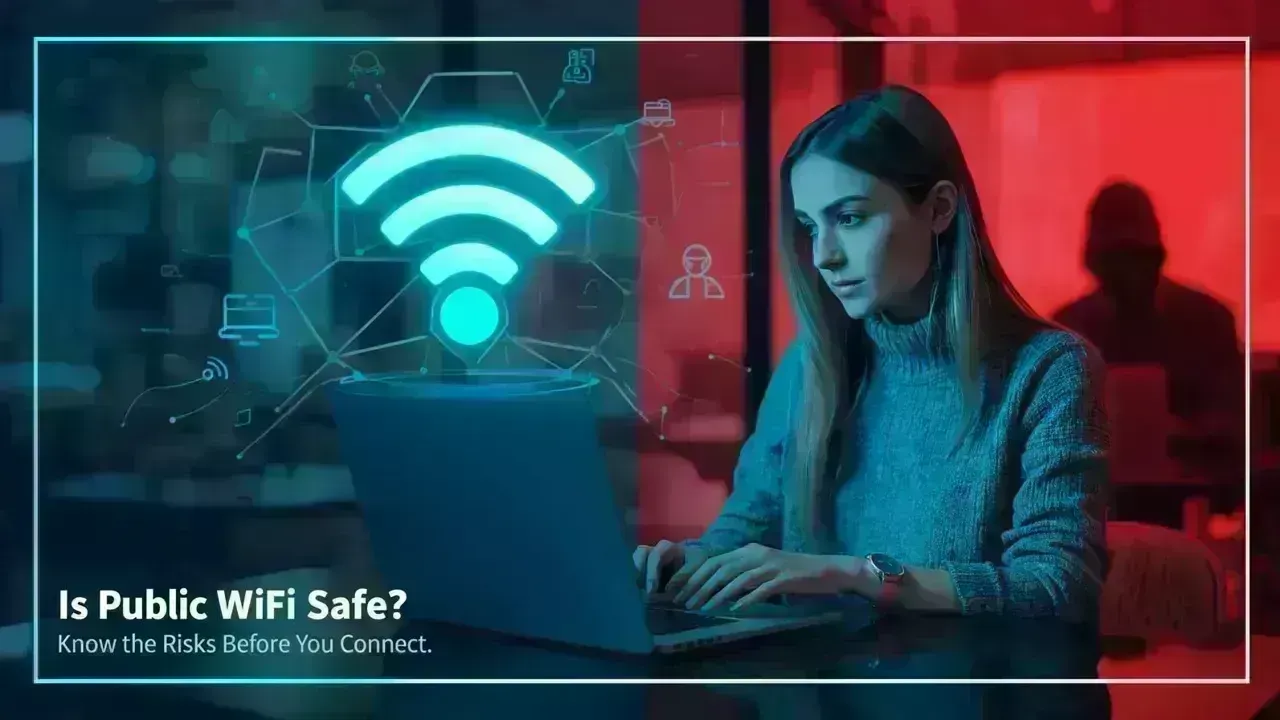
Public WiFi networks have become ubiquitous, appearing in locations ranging from cafes and shopping malls to airports and hotels. They offer convenience and help users save on mobile data. However, this ease of access raises an important question: how safe is it to use public WiFi?
While many use public WiFi regularly, not everyone is aware of the risks involved. Comprehending these dangers and knowing how to mitigate them is essential to remain secure while connected.
The Dangers of Public WiFi
Most public WiFi hotspots are open or poorly secured, allowing anyone to connect with little resistance. This convenient access also means that cybercriminals can easily infiltrate the network.
When you connect, your data may traverse an insecure network, giving hackers the opportunity to monitor or intercept your online actions. Unlike private networks, public WiFi typically lacks robust encryption, putting your personal information at risk.
Risks You Should Be Aware Of
Data interception is a notable concern when using public WiFi. Attackers can utilize specialized tools to capture unencrypted information from your device.
Another significant risk comes from fraudulent WiFi hotspots, which are malicious networks impersonating legitimate ones, like “Cafe WiFi” or “Airport Free WiFi.” Connecting to these networks can lead to your data being compromised.
Unsecured networks can also spread malware that may secretly install harmful software on your device and collect data over time.
Your Information at Stake
Whenever you use public WiFi, assume that any data you input is susceptible to exposure without appropriate security measures.
This includes details such as social media credentials, personal messages, financial information, and more. If you check sensitive accounts or make payments while connected, your data might be intercepted.
Even casual browsing may expose personal habits, rendering you vulnerable to scams or phishing.
Tips for Safer Public WiFi Usage
While avoiding public WiFi altogether isn’t necessary, using it wisely is key.
Consider employing a VPN (Virtual Private Network) to encrypt your connection, making it challenging for unauthorized individuals to track or steal your information.
Avoid accessing confidential platforms, work accounts, and banking apps on public networks; switch to mobile data for important tasks instead.
Always verify the network name before connecting, and check with staff if unsure to avoid phishing networks.
Keep your device updated regularly, as updates often come with security enhancements to tackle known threats.
Public WiFi vs Mobile Data
For those who prioritize security, mobile data tends to be the more secure choice. It is generally more challenging for hackers to breach cellular networks compared to public WiFi.
When sensitive information needs to be entered or crucial tasks performed, mobile data is typically the preferred option.
Signs of an Unsafe Network
Be vigilant for signs indicating an unsafe public network.
If a WiFi network requires no password, requests unnecessary personal information, or features numerous similar network names, it might be compromised. Pop-ups or redirects can also signal danger.
Flickering or sluggish connections may hint at suspicious activities on the network.
Improving Public WiFi Security
Many businesses are enhancing their public WiFi security by implementing login authentication, encrypted access, and limiting session durations. These measures can help mitigate risks for users.
Nonetheless, it’s crucial for users to stay vigilant and observe basic safety protocols even with these advancements.
Disclaimer
This content serves as general information and awareness and does not guarantee protection from cyber threats. Always engage in proper security practices and use reliable tools to protect your data.
FAQs
Can I safely use social media on public WiFi?
Yes, but refrain from logging in or sharing sensitive information on unknown networks.
Is employing a VPN mandatory?
A VPN is highly recommended as it significantly bolsters your data security on public WiFi.
Can I make purchases online using public WiFi?
It’s wiser to avoid online shopping on public networks; opt for mobile data instead.
Can public WiFi harm my device?
Yes, unsecured connections can expose your device to malware or unauthorized access.
Is every public WiFi network unsafe?
Not necessarily, but treating all public networks with caution is advisable.


 English